


Welcome to your weekly roundup of FG Funnels updates through the week of May 14th, 2026. From Visual Edits in AI Studio to bulk delete across Custom Objects, a rebuilt Workflow AI Builder with undo/redo, and new reporting widgets for Services — this week’s updates bring some seriously useful tools to your stack. We’re also rolling out upgrades to Calendars, Dashboards, Social Planner, Blogs, Quizzes, and more — all designed to save you time and give your clients a better experience.
If you have any questions about these updates, email us at [email protected] or reach out through live chat inside the app — we’re always happy to help.
You can now update your site visually by clicking any element in the preview and editing it instantly. No prompts. No waiting for AI. No token usage.
Turn on Visual Edits, click any element, and the panel adapts to what you’ve selected — typography controls for headings, label and style options for buttons, source and alt text for images, spacing and border controls for containers, and more. Double-click any text to edit it inline, just like editing a document.
You can also select multiple elements at once and apply coordinated changes in a single action — great for consistent spacing, shared styling, or batch updates across sections. All edits preview live before saving, so nothing touches your code until you confirm.
Open any project, click the paintbrush icon in the top bar, then click any element to start editing.

The Workflow AI Builder can now fully handle If/Else segment and operator edits. Previously, users saw an error message when trying to make these changes through the AI Builder and had to fall back to manual configuration. That limitation is gone.
You can now add, remove, and update segments within If/Else branches, change AND/OR operators, and handle compound edits — all in a single request. If a request is ambiguous on a complex If/Else node, the AI will ask a clarifying question instead of failing.
The AI Builder now supports Undo and Redo. Hit Ctrl+Z (Cmd+Z on Mac) to revert to the previous AI-generated version, and Ctrl+Y (Cmd+Y on Mac) to bring it back. Every AI-generated change is preserved in your undo history for the session.
This removes the main friction point of iterating with AI — the risk of losing a working state. Experiment freely, try different approaches, and roll back instantly when a result doesn’t fit.

Array Formatter is now a standard workflow execution billed at $0. No more premium action charges for formatting webhook arrays. The Premium Action badge and banners have been removed, and the action panel has been updated with clearer descriptions, icons, return types, and output previews so you know exactly what each action will produce before saving.
Note: “Array Functions” has been renamed to “Array Formatter.” Workflow behavior is unchanged.

The workflow builder now lets you resize the action and trigger sidebar by dragging the edge left or right — helpful on different screen sizes or when working with detailed configurations. You can also expand any action or trigger to full screen when you need more room, especially useful for emails, forms, and multi-field actions.

Custom Metrics just got a major upgrade. You can now add filters directly to each metric in your formula — filter contacts by tag, opportunities by pipeline or owner, calls by agent, and more. This means you can build targeted KPIs like “Count of Contacts tagged as Customer” or “Opportunity Win Rate by Owner” without leaving FG Funnels.
Meta Ads and Google Analytics are also now available as data sources in custom metric formulas. Build cross-channel KPIs like Cost per Conversion from Meta campaigns or Cost per Opportunity using Google Analytics ad spend — all directly on your dashboard.
Custom metrics now open in a full-page editor instead of a modal, giving you more space to configure formulas and filters.

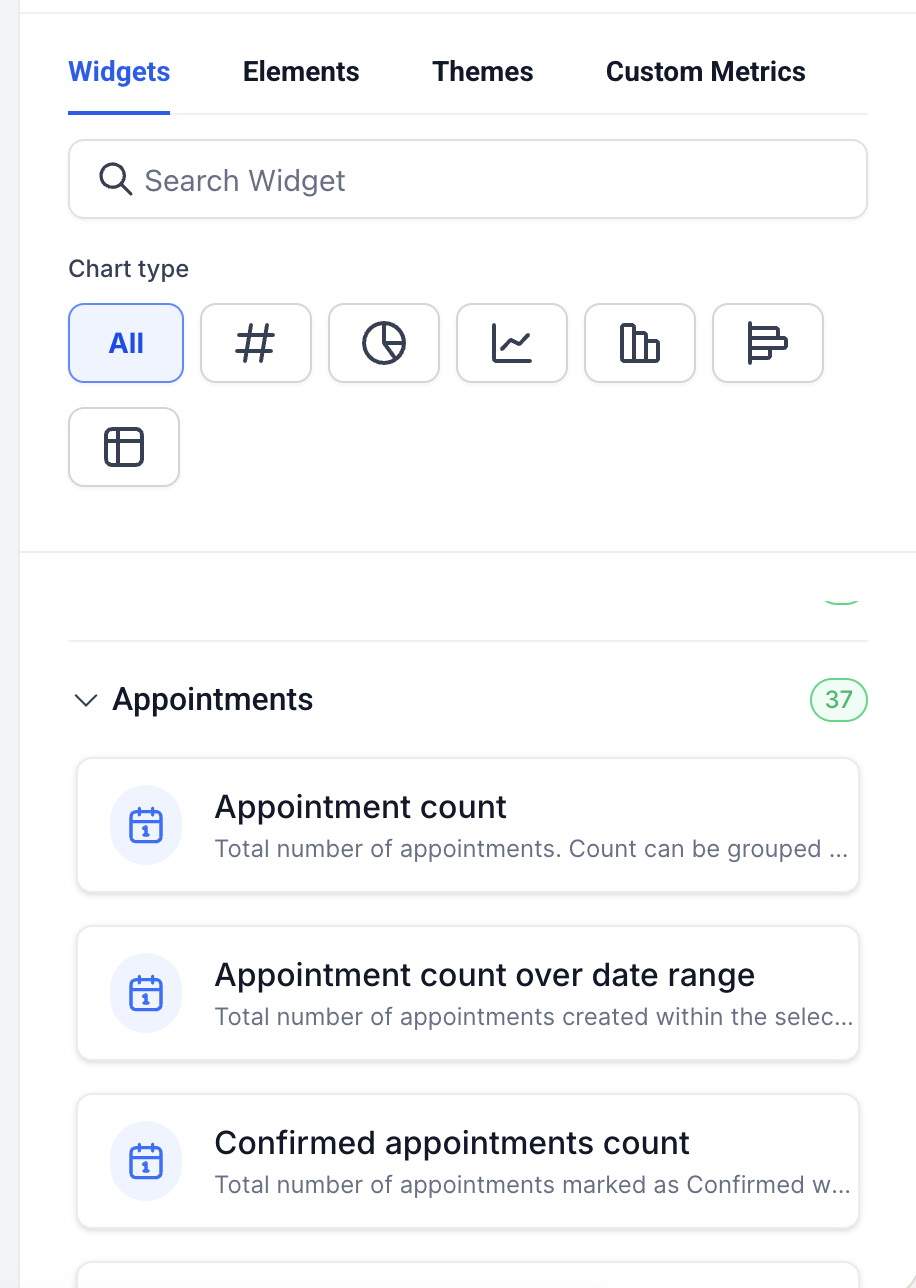
11 new reporting widgets have been added to Appointment Services — giving you deep visibility into booking performance, revenue, staff efficiency, and inventory directly from your dashboard.
Appointment Services (11 widgets) — including Total Revenue, Revenue by Service, Revenue by Category, Average Order Value, Top Grossing Staff, Top Performing Locations, Cancelled Revenue, Coupon Redemptions, Revenue from Coupons, Top Coupon Codes, and Bookings with Coupon.
Note: Appointment Count by Service and Appointment Count by Service Category widgets have been moved to the Services sub-module. Account Calendar Settings now control the enable/disable state for these widgets.
You can now create Blocked Slots in Rentals to hold inventory without tying it to a customer booking. Block time for maintenance, internal use, or offline commitments — the listing becomes unavailable for the selected duration, and availability updates automatically across all booking flows.
Blocked slots are clearly visible in the Calendar View and can be viewed, edited, or deleted at any time to instantly release availability.
How it works:

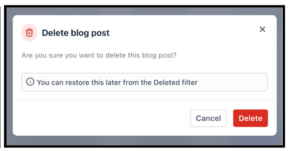
Deleted blog posts are no longer gone for good. Instead of being permanently removed, deleted posts now move into a recoverable Deleted state and can be restored with a single click — no support ticket needed.
A new Deleted filter has been added to the Blog Dashboard where you can view deleted posts, restore them, or permanently remove them. Posts are recoverable for up to 30 days. Bulk restore and bulk delete are also supported for teams managing large volumes of content.
A confirmation step has also been added before any blog post is deleted, to help prevent accidental removals.
Navigate to Sites > Blogs, delete a post as usual, then open the Deleted filter to restore it.
Bulk delete is now available for Custom Objects — previously you could only delete one record at a time. The 100-record cap on bulk delete for Companies and Tasks has also been removed.
All bulk-deleted records can be restored within 60 days from the Bulk Actions page. Deleting a record removes its relations and associations, but does not delete the related records themselves.
How to use it:
You can now filter Opportunities by Owner = me or Follower = me in both Advanced Filters and Smart Tags. The “me” value resolves dynamically to whoever is viewing the list — so one saved Smart Tag like “My Open Opportunities” works for your entire team without any per-user setup.
Primary Contact Notes has also been added as a column option in the Opportunities List view — sortable, resizable, and includable in saved views. It updates automatically when a new note is added to the primary contact.

You can now view and reply to Bluesky comments directly inside Social Planner — no platform switching needed. Replies support emojis and threaded conversations up to 3 levels deep, and comments sync automatically for recent posts.
Go to Marketing > Social Planner > Comments > select your Bluesky account.
Note: Character limit is 300. Text and emojis only — no media attachments or profile tagging. Comments sync for the last 15 posts, four times per day.
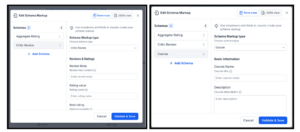
The Schema Markup module now supports 7 additional schema types in the manual creation flow, bringing total support from 12 to 19. New types include Offer, Review, Aggregate Rating, Recipe, ImageObject, Service, and Course — useful for e-commerce, food, education, and service businesses looking to improve rich result eligibility on Google.
The Quiz Results Page now gives you more control over styling and layout. You can adjust the page width, add a background color or image, and get auto-scrolling to the section you’re editing. A clearer empty state now appears when no quiz categories have been created, and a “How Score Works” link has been added to help explain scoring while building results pages.

The chat-based Knowledge Base creation flow previously only worked for locations with Brand Voice configured — about 26% of locations. Now Ask AI falls back to the location’s Business Profile website when no Brand Voice exists, expanding coverage significantly.
Knowledge Bases can also now be attached to Conversation AI agents during the creation flow — not just Voice AI. And if neither Brand Voice nor a website exists, the assistant cleanly switches to manual KB creation instead of getting stuck.
GoKollab users now have a centralized space to view and manage all their communities, courses, and payment history in one place. Check memberships, learning access, past payments, and invoices — all from the Profile menu.
Go to the GoKollab homepage > Profile menu > Manage purchases.

Chat Widget campaign registration now scans your website upfront to confirm the Lead Connector chat widget is actually live before you submit. If it’s not found, you’ll see a clear, step-by-step prompt to add the widget script and re-run the check — preventing the submission rejections that were one of the top reasons for campaign failures.
Video, image, and button elements now support full border customization — border color, per-side thickness, and per-corner border radius. This brings them in line with the styling options already available in layout and section panels, giving you more consistent design control across the builder.

FGF Notifications








