


Welcome to your weekly roundup of updates for the week of August 7th, 2025. We’ve packed in powerful new features, polished up old favorites, and made things smoother and faster across the board. If you have any questions, feel free to reach out to us via live chat inside the app or at [email protected].
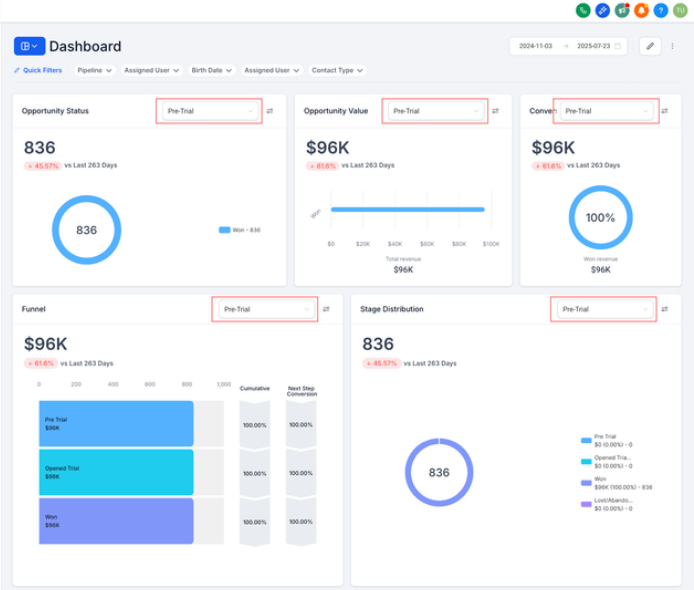
Now you can drill down into individual pipeline performance right from your sub-account dashboard. Instead of looking at all your pipelines mashed together, each widget—Opportunity Status, Opportunity Value, Conversion Rate, Lead Source Report, and Sales Efficiency—now has a handy pipeline dropdown.
Why this is exciting:
Just click the dropdown, pick a pipeline, and boom—custom insights.
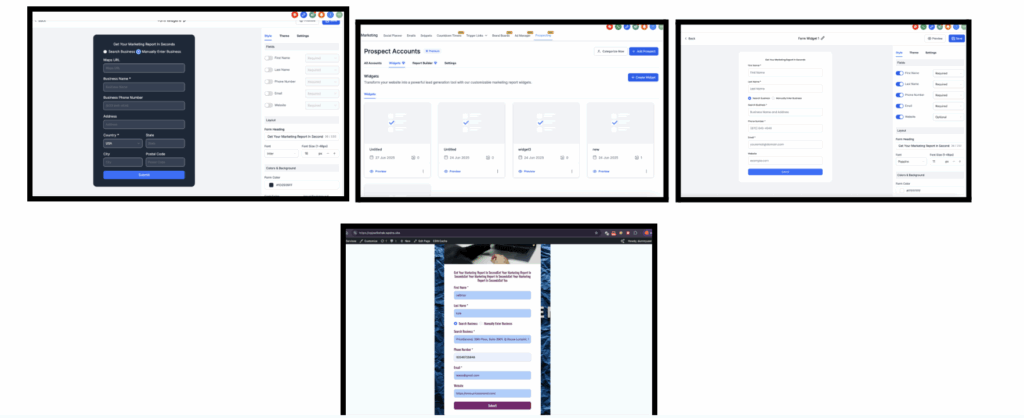
The Prospecting Widget now offers more customization and functionality than ever:
Coming soon:
Personalization just got a whole lot easier. You can now insert custom values directly into bot questions wherever your cursor is.
Other goodies:

We’ve massively improved our AI appointment booking action:
Why this matters: Less friction, more bookings, and a smoother customer experience.
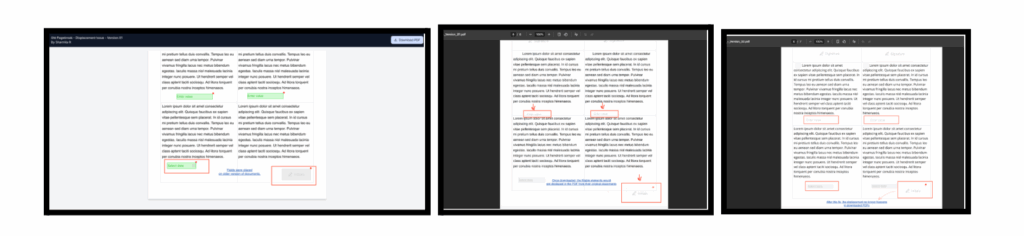
No more drifting fields in PDFs! Signatures, checkboxes, and text inputs now stay exactly where you placed them—even across page breaks.
Note: This fix applies to documents created after May 27, 2025.
We took invoice redirection time from 60–90 seconds down to just 10–20. Plus, there’s a new progress bar to let users know what’s happening.

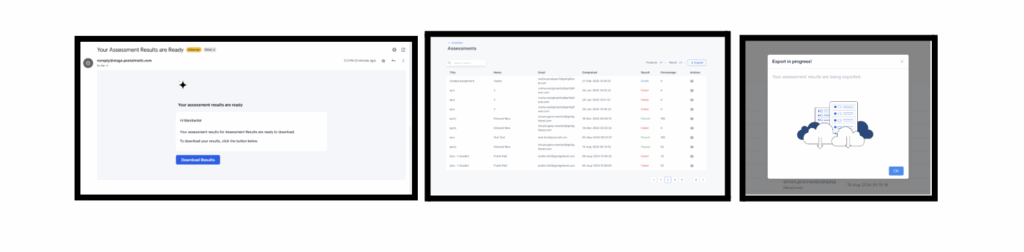
Admins and instructors can now export assessment results as a CSV—instantly and filter-aware.
Why this rocks:
Coming soon: Export options for Course Progress, Revenue Analytics, and Member Analytics.
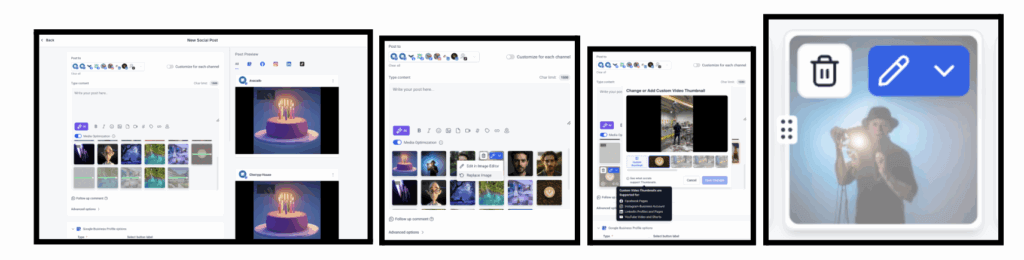
Big visual upgrade! The Social Planner editor is now:
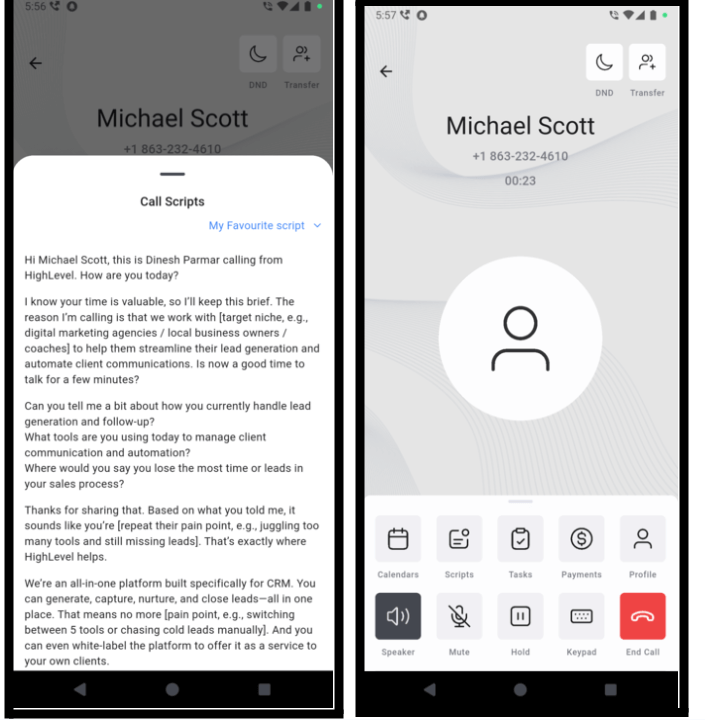
Call Scripts are now available on mobile! Reps can follow structured guides during calls for more consistent and confident conversations.
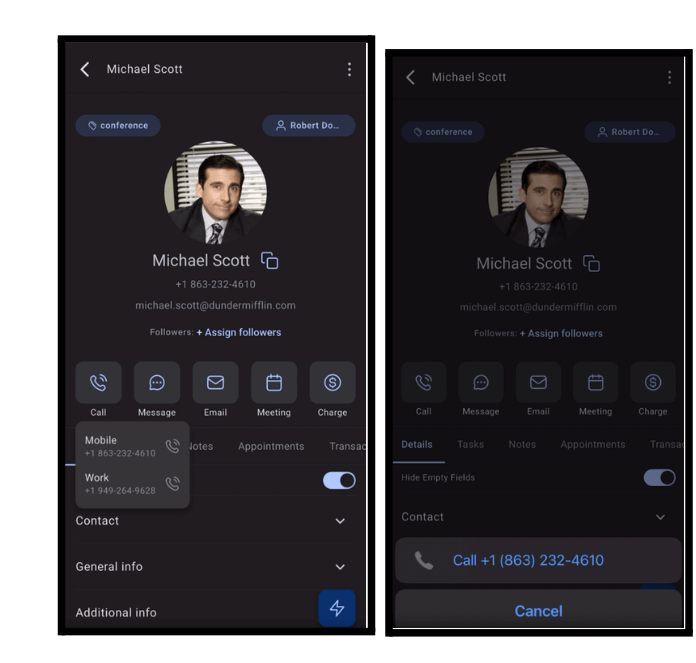
Want to make a call from the app using your personal number? Done. Just tap the call icon and the app launches your native dialer with the number ready to go.
When sending invoices or estimates via workflows, you can now choose:
You can now choose your server location when setting up a WordPress site:
Why it matters: Hosting closer to your audience = faster loading times.
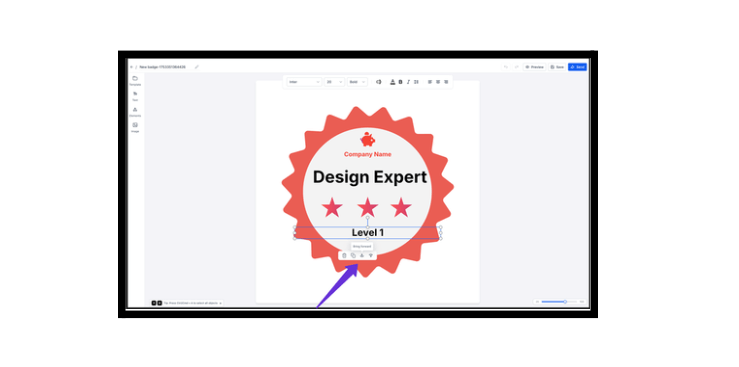
New shortcuts and controls make badge editing faster:
Ask AI just leveled up—now it can do everything the MCP server does, directly from chat. Tell it what you need, and it’ll take care of it, no clicks needed.
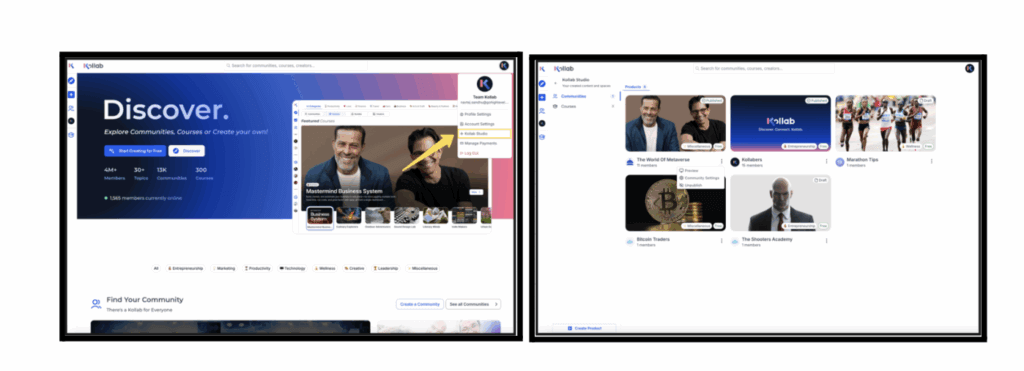
There’s now a centralized dashboard for managing courses and communities inside GoKollab. Called “Kollab Studio,” it brings all your products into one clean, easy-to-navigate workspace.
Why this matters:
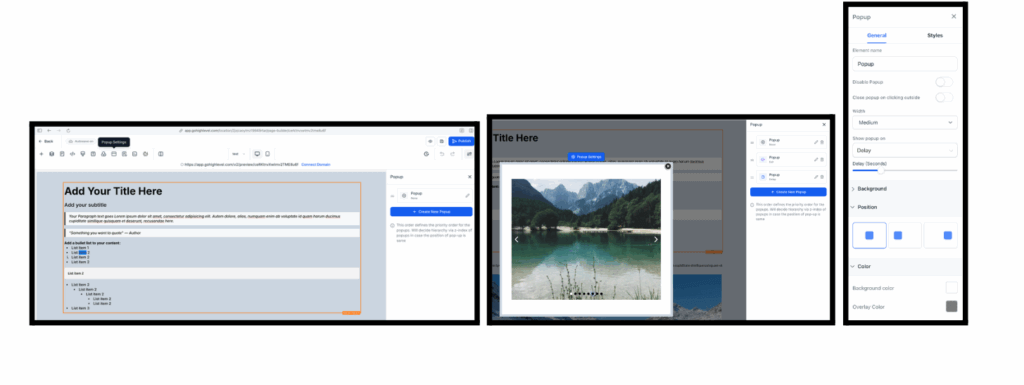
Yes, it’s finally here! You can now add more than one popup to a single page—each with its own trigger and content.
Why you’ll love it:
Open any funnel or website page in the builder
Click the “Popups” button in the top bar
Manage all popups from the right-hand sidebar
Note: Currently in Labs—enable it to try it out!
That’s it for now—another jam-packed week of upgrades in FG Funnels! If you have any questions about these updates, feel free to reach out to us at [email protected] or in live chat via the app.
Until next time, happy building!
— Team Gorgeous
FGF Notifications








