

Welcome to your weekly roundup of updates through the week of November 20th, 2025. This week’s update brings faster troubleshooting, smarter AI controls, gentler safety nets around calendars and payments, and more flexibility across Communities, Voice AI, and the App Marketplace. If you have any questions regarding these updates, please reach out to us at [email protected] or through live chat inside of the app. We will be happy to help!
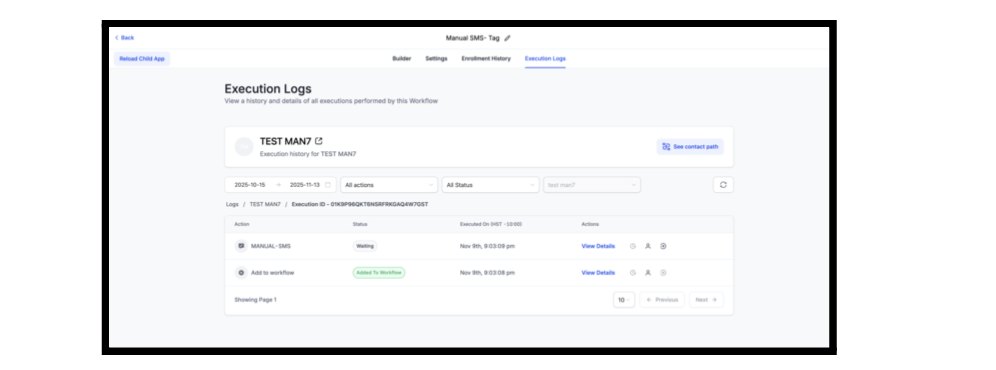
When you’re investigating a workflow-triggered message, you can now jump straight from the message details to the exact execution log for that contact.
Previously, clicking the workflow link from message details only opened the workflow builder, forcing you to dig through logs manually. Now, deep links include both the execution ID and contact ID so you land directly on the right execution log entry, with full context already loaded.
This makes troubleshooting faster, clearer, and much less clicky when you’re tracing automation paths.
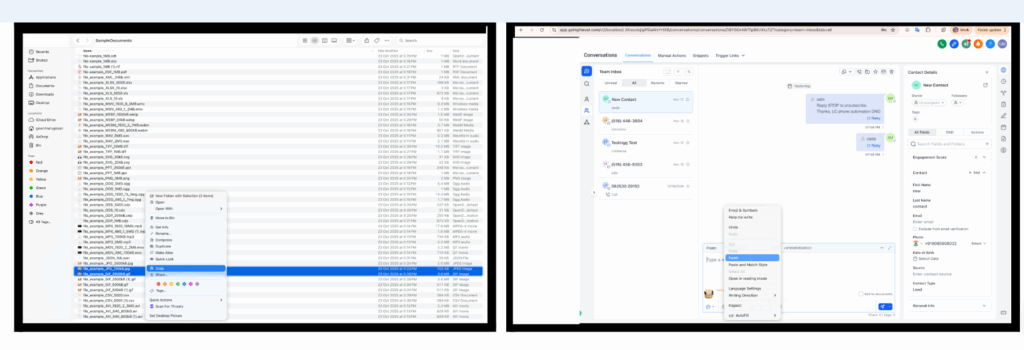
You can now paste files and images directly from your clipboard into the message composer (Ctrl/Cmd + V) across all supported channels.
Clipboard paste works for:
This removes the need to drag-and-drop or browse for files every time you want to add an attachment in active conversations.
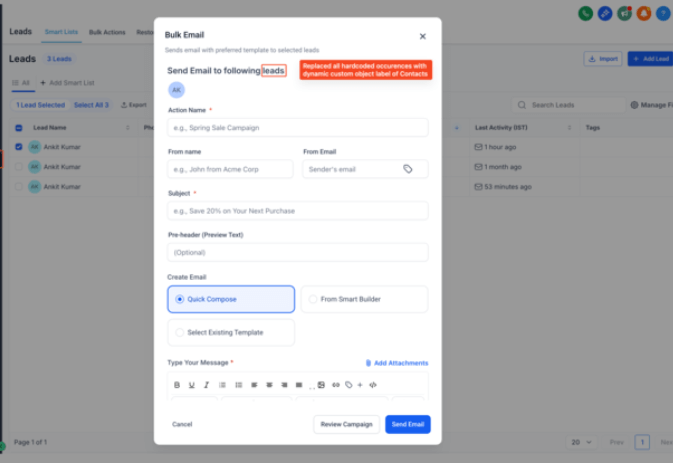
Bulk Email modals now use dynamic custom object labels instead of hardcoded “Contact/Contacts.”
This keeps copy aligned to your data model when you’ve customized object names, and gives a more consistent, white-labeled experience.
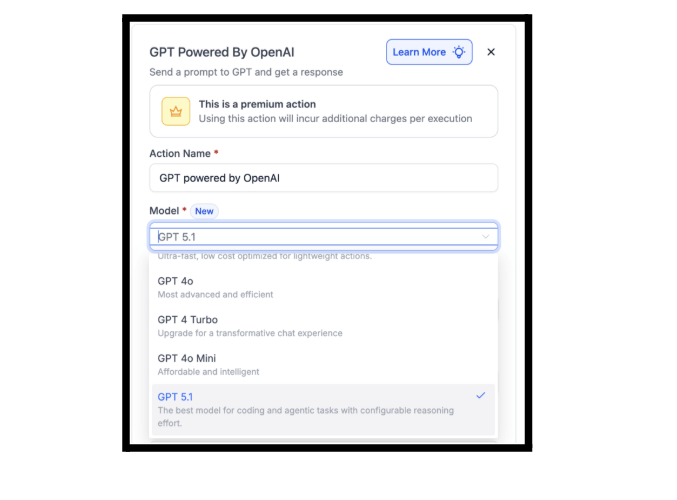
The GPT action in Workflows now supports the latest GPT‑5.1 model option, giving you access to newer capabilities where you need higher reasoning quality or performance.
The workflow header has been updated so long names no longer break the UI.
Updates include:
This keeps the builder cleaner and easier to scan, even when you like very descriptive workflow names.

If a calendar (Google, Outlook, iCloud) or video tool (Zoom, Teams, etc.) disconnects, FG Funnels will now send “gentle nudges” so you can reconnect before it causes issues.
What’s New
How It Works

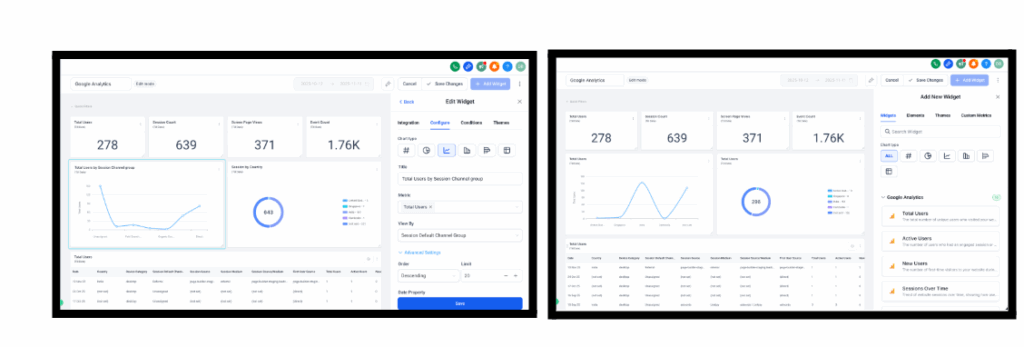
You can now add Google Analytics-based widgets directly to dashboards and custom reports, giving you deeper website analytics alongside your CRM data.
New widgets include:
This makes it easier to understand where visitors come from, how they behave, and which content performs best — all from inside your FG Funnels reporting layer.
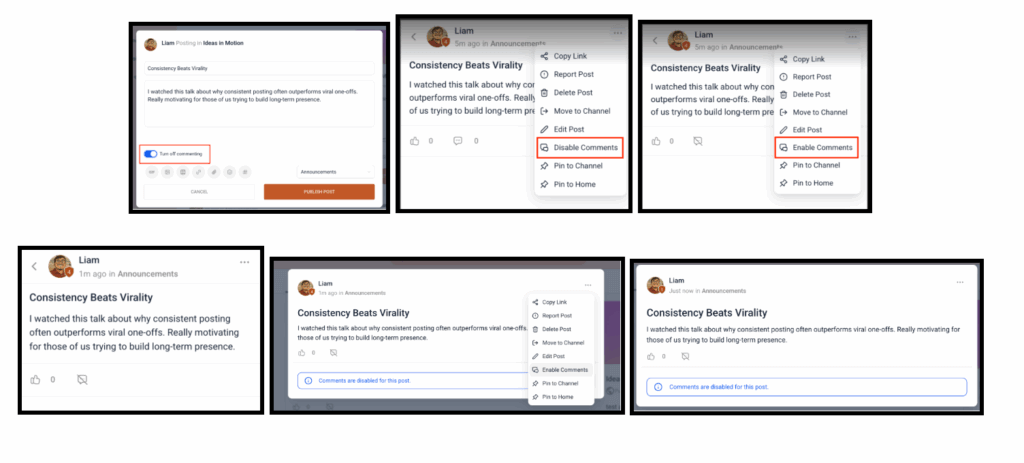
Community members now have more control over whether others can comment on their posts.
What’s New
Announcement Channels Update
This gives members more control over engagement and makes announcement channels more interactive going forward.
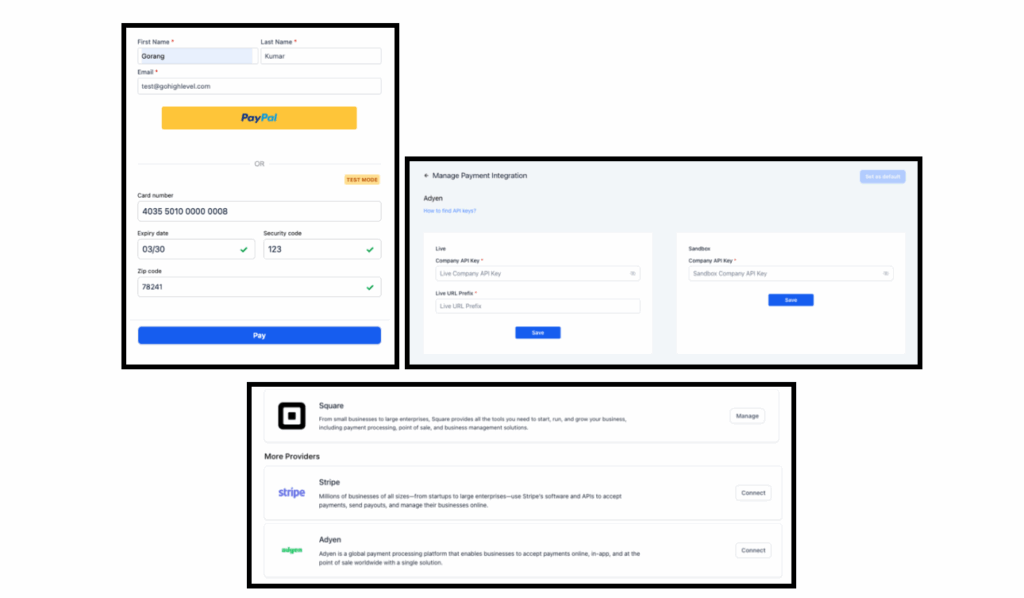
Adyen is now available as a payment provider inside FG Funnels for card payments, focused on EU and North America.
What’s New
How It Works
Have an Adyen merchant account with API credentials.
In FG Funnels, go to Dashboard → Payments → Connect Adyen → Add Credentials (live/test) → Save.
Assign Adyen as the default provider wherever you want to accept card payments.
Adyen helps you win larger accounts that standardize on their gateway, particularly in EU and North American markets.
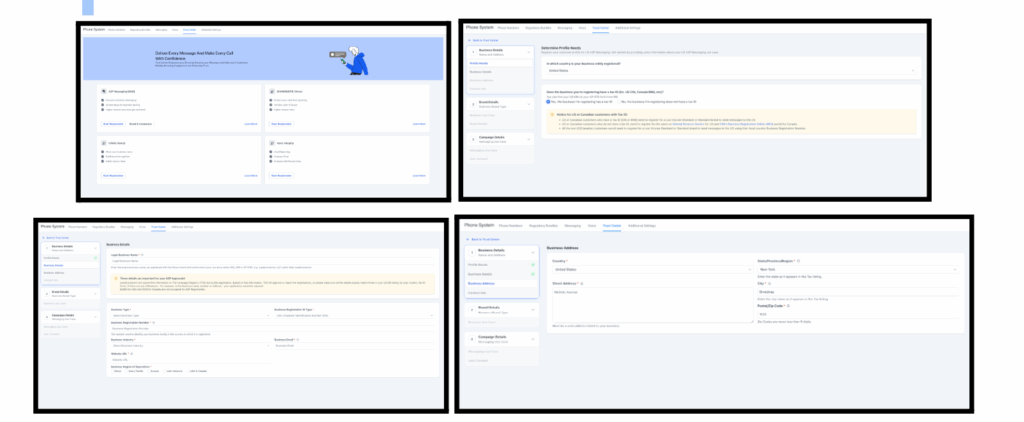
The A2P registration flow in the Trust Center has been redesigned with a clearer guided journey, improved validations, and a Submission Review screen.
What’s New
Where Settings → Phone Numbers → Trust Center → A2P (via Labs).
Upcoming additions will include a Join a Support Call button and an in-flow video walkthrough.
FGF Notifications








