

Welcome to your weekly roundup of FG Funnels updates through the week of April 16th, 2026.
From smarter AI agents in Workflows to a brand new Prompt Optimizer for Voice AI, this week’s updates bring some seriously useful tools to your stack. We’re also rolling out upgrades to Social Planner, Courses, Conversations, Countdown Timers, E-Commerce fulfillment, and more — all designed to save you time and give your clients a better experience.
If you have any questions about these updates, email us at [email protected] or reach out through live chat inside the app — we’re always happy to help.
Two friction points in the Conversations view have been fixed, and honestly, it’s overdue.
Bulk Select: Before, bulk action controls would cover your chat history, and clicking outside a checkbox would wipe your whole selection. Now, bulk actions sit at the top of the screen so you can still see your conversations while selecting. Your selections also stick — clicking on a chat card opens it without losing what you’ve already checked.
Internal Comments: Adding an internal comment used to mean digging through the channel selector. Now there’s a dedicated button right in the composer. One click to switch between replying to a customer and leaving a note for your team.
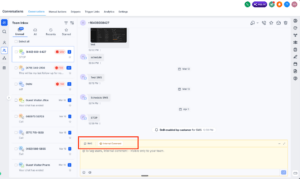
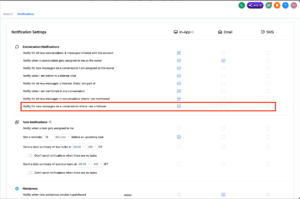
If you’re following a conversation, you can now get notified when new messages come in — just like the conversation owner. In-app notifications are on by default, and you can enable email or SMS alerts in your preferences.
No more manually checking in on conversations you care about.
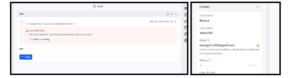
When AI generates schema markup, some fields don’t have a matching form view. Before this update, those fields were just quietly dropped — you’d never know they were missing.
Now, if your schema contains fields the form view can’t display, you’ll see a clear warning banner with the exact field names listed. From there, you can jump straight to JSON view to edit everything. No guesswork, no lost data.

The Add Task workflow action now lets you set due dates in days, weeks, months, or years — not just a narrow window of a few days. You can also add a specific time, toggle weekends off the calculation, and see a live preview of the final due date before you save.
Task descriptions now support rich text formatting too, so your tasks actually look the way you set them up.
How to use it:


The Drip action has been one of the biggest sources of confusion and support tickets — and this update is designed to fix that. Here’s what’s new:
Drip Preview: Before you publish, you can now see a full schedule of when each batch is set to go out. If a time window is pushing batches around, you’ll see a warning right there in the preview — before it causes problems.
Action Statistics Redesign: Clicking the stats icon now opens a full view of what’s happening inside your drip — contacts waiting, next batch details, timing constraints, and more. Everything in one place.
Batch Size Change Warning: If you update the batch size on a live workflow that already has contacts queued, you’ll get a clear note explaining that existing contacts will use the old size and new ones will use the updated size. No more surprises.
Auto Pause / Auto Resume: If you move a workflow back to Draft, contacts in the Drip action are now paused automatically. When you publish again, they pick up right where they left off instead of all firing at once.
Hover Tooltip: Hovering over the Drip action now shows a quick summary of your configuration — like “Batches of 100 contacts, every 5 minutes” — without needing to open it.

Finding the right field in a workflow used to mean opening folder after folder. Now, search surfaces fields from inside nested folders automatically, navigation uses breadcrumbs so you don’t lose your place, and long field names show tooltips so you can read the full value. The experience is now consistent across both Custom Values and If/Else branches.
How to use it:


This is a big one. The AI Agent action brings autonomous reasoning directly into your workflows. Instead of mapping every field and pre-building every branch, you describe your goal in plain language and the agent figures out the steps, makes decisions, and executes — all within a single workflow action.
Full CRM Awareness: The agent can pull contact details, pipeline data, calendar availability, and more on its own — no manual variable mapping needed.
Natural Language Instructions: Write instructions in your own words. The agent understands context like “assign to Sarah” or “the Enterprise pipeline” without you spelling out every detail.
Enhance Prompt: Write a rough draft of your instructions and click Enhance Prompt — the AI turns it into a structured, detailed prompt ready for production.
Ready-to-Use Templates: Pre-built agent configurations for things like form lead follow-up, no-show recovery, Facebook lead nurturing, stale deal re-engagement, and more.
Conversation Memory: When enabled, the agent remembers past interactions with a contact and adjusts its messaging accordingly over time.
Structured Output: The agent can return results as text or JSON, which can feed directly into If/Else branches or downstream steps.
Full Execution Logs: Every run shows you exactly what the agent reasoned, which tools it called, and what the outcome was.

AI Studio agents now manage multi-step tasks more reliably. Tasks are no longer tracked by numeric index — they use label-based transitions, which are more stable and easier to follow. The UI now shows dynamic status updates for active and completed tasks, and the underlying architecture is leaner, with better context awareness across task sequences.

You can now view, edit, and manage your website’s code directly inside the builder. No switching tools, no extra steps.
The editor includes syntax support for TypeScript, JSX, CSS, JSON, and more, along with find-and-replace, global project search, instant save with live preview, smart error detection with AI-assisted fixes, version history, and unsaved changes protection. It’s a full development environment without leaving FG Funnels.

Businesses that send both marketing and informational messages can now register through the Chat Widget flow. A new Mixed message type generates a widget with two separate consent checkboxes — one for marketing, one for informational messages. Compliance language is system-controlled, so there’s less risk of misconfiguration.

You can now make voice calls using a phone number you already own — no need to purchase a new FG Funnels number first. This removes a big barrier for the roughly 60% of locations that don’t have a phone number set up.

Prompt Optimizer is a test-and-tune engine that helps you build better Voice AI Agents without guessing. It auto-generates test scenarios, runs real calls against your agent, scores the results, and rewrites what failed — all without touching your live agent.
Configure — Set up your test plan with auto-generated or custom scenarios. Test — Run real voice calls that trigger actual actions end to end. Improvise — AI analyzes failures and rewrites your prompt to fix them.
Every location gets 20 free minutes per day to start testing. Available now as a Labs feature.
You can now search Facebook Pages and Ad Accounts by name instead of scrolling through a long list. The Click-to-Messenger flow also now supports ad images, so you can see exactly which creative triggered a conversation.

Moving elements around in the builder now feels noticeably better. You’ll see a subtle shadow while dragging, and longer builds auto-scroll as you move elements up or down. No more stopping mid-drag to scroll by hand.

FG Funnels now checks email domains before sending and blocks any that are invalid or restricted. You’ll see a clear message on the contact’s record so you know why. This helps protect your sender reputation and keeps your lists cleaner.
You can now pull lessons, modules, or an entire course structure directly from an existing course into a new one. Everything comes with it — videos, thumbnails, descriptions, quiz questions, assignments, and formatting. Great for reusing proven content without rebuilding from scratch.


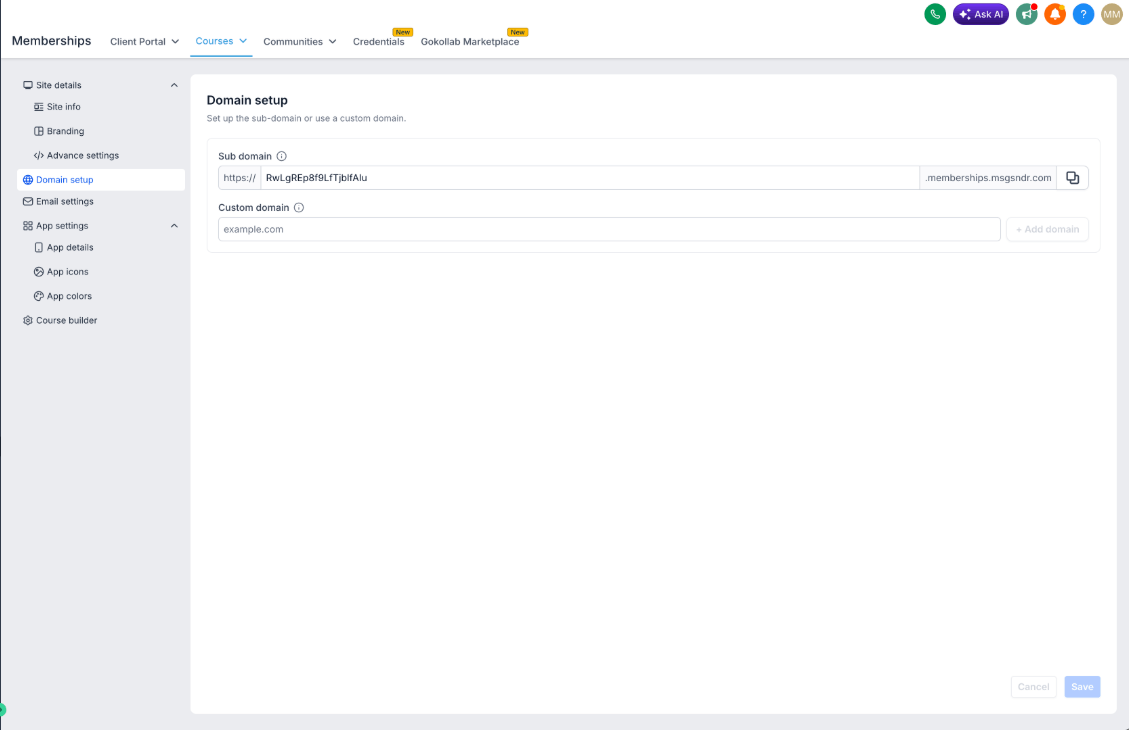
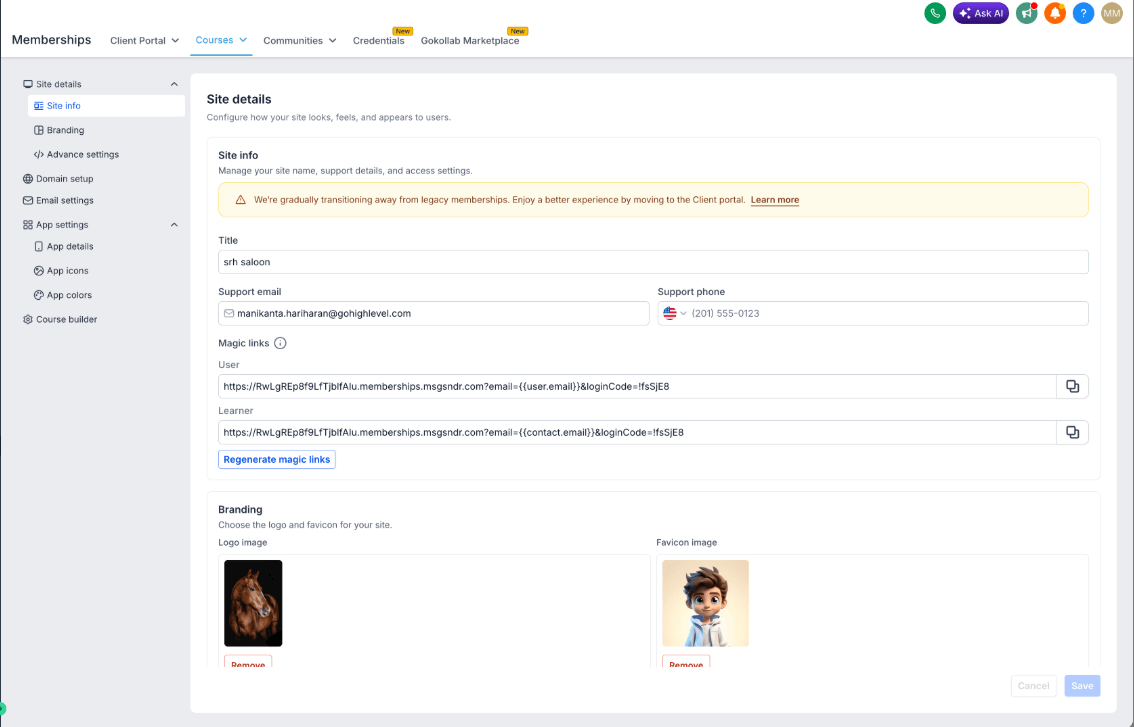
The Courses settings page has been redesigned with a cleaner layout, improved navigation, image cropping for logos and favicons, a better migration flow for users moving to Client Portal settings, and faster load times overall. Rolling out via Labs — give it a try and share your feedback.
You can now let customers choose a category before selecting a specific service — so instead of seeing a full list of everything you offer, they start by picking something like “Hair,” “Spa,” or “Wellness” and then drill down.
Category pages support images and descriptions, display in a clean card layout, and automatically hide any category that has no services. This feature is optional — your existing booking flow stays the same unless you enable it in Global Settings.


Countdown timers can now adjust to your contact’s local timezone instead of showing a fixed time for everyone. For emails, the timer uses the contact’s timezone with a fallback to your selected default. For funnels and websites, it uses IP-detected timezone. Available now via Labs.
How to Activate: Go to Labs under Settings and enable the Adaptive Timezone feature in CDT.
How to Use:
Two things merchants have been asking for are now on the packing slip: customer order notes and SKU numbers. Order notes show up at the top of the slip if a customer added them at checkout. SKU is included in the line items table alongside the product name and quantity. If there are no order notes, that section is hidden automatically.

Getting content approved just got a lot simpler. You can now generate a secure link for one or multiple posts and share it with clients or stakeholders — no FG Funnels login required.
Approvers can approve, reject, or reschedule posts, leave notes, and even bulk approve or reject everything at once. The approval page shows a full post preview including the image or video, caption, scheduled time, platform, and any creator notes.
Links are password-protected, valid for 30 days, and can be regenerated or revoked from a new Manage Links section in Social Planner.
How to Use:


Your existing Instagram posts can now sync automatically into Social Planner. Posts from the last 30 days are imported — images, videos, carousels, and reels — and engagement metrics like likes and comments refresh every 24 hours. You get a unified view of past and upcoming content without recreating anything manually.
Note: Due to Instagram API limitations, location tags, collaborator details, and mentions may not be included. Deleted Instagram posts will still appear in Social Planner since sync is one-way. Supports Instagram Professional accounts.


You can now run live sessions directly inside Communities Events using a built-in Live Room, powered by GoLive. You can also still use Zoom, Google Meet, or any custom link. When you create an event with a Live Room, the meeting is set up automatically — no extra steps, no link management.

Community admins can now choose exactly when newsletters go out. Set a preferred time and timezone for daily, weekly, bi-weekly, or monthly sends. No more generic schedules — your community, your timing.
After a successful private beta with zero bugs reported, contact page customization is now available in Labs for everyone.
You can create up to 5 different layout views per sub-account, assign views to specific users or user groups, choose between 2-panel or 3-panel layouts, configure modules as tabs or dropdowns, and show or hide custom fields based on relevance. It’s a big step toward giving each team member a contact view that actually fits how they work.
How it works:

You can now create subfolders inside folders across Campaigns, Templates, and Sequences. Build out a proper hierarchy, bulk-organize your assets, and navigate without clutter.
Not sure if your Knowledge Base is actually working the way you expect? Now you can test it in real time. Ask a question and instantly see which pieces of content are being pulled to generate the answer. Spot gaps, fix chunking issues, and re-test immediately — all in one place. Read-only, so nothing in your KB changes during testing.
This release brings a refreshed editor experience across posts, comments, chats, and GoLive — plus a new feature that makes consuming content on the go a lot more convenient.
Media Controls via Notification: You can now control media playback directly from your notification tray — no need to jump back into the app to pause, resume, or skip. Perfect for learners working through long-format content in the background.
Beyond that, this update is packed with under-the-hood improvements driven by real user feedback:
Bug Fixes:
Conversation AI can now be configured to pull from your Knowledge Base at specific moments in a conversation — not just generically at all times. Each agent supports one Always On trigger (available in every conversation) and up to three Smart Triggers that fire when a specific condition is met.
Write your trigger conditions in plain English, assign the relevant Knowledge Bases, and the AI handles the rest. Your existing linked Knowledge Bases have been automatically moved into a default Always On trigger — nothing breaks, everything works as before.

FGF Notifications








