

Welcome to your weekly roundup of updates for the week of September 18th, 2025. This week’s updates are focused on better onboarding, cleaner customer experiences, smarter automations, and easier navigation. If you have any questions, feel free to reach out to us via live chat inside the app or at [email protected].
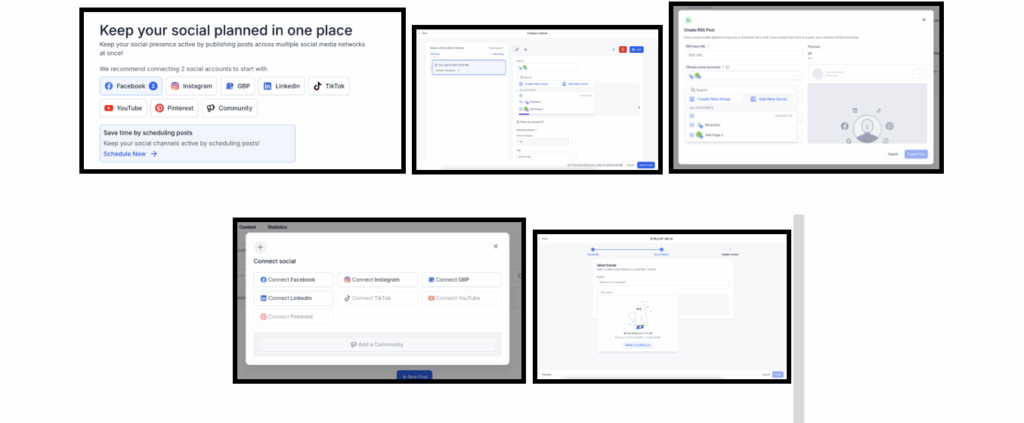
The Social Planner no longer forces you to connect your social accounts before you can try things out. Now, you can upload CSVs, test recurring posts, create evergreen queues, and add RSS feeds before linking your socials. You only need to connect accounts when you’re ready to actually schedule or publish content.
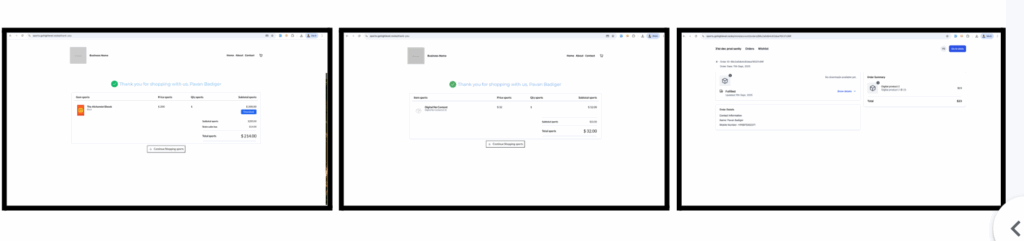
Customers will now only see a Download button if valid files are uploaded. No more broken links or empty buttons. On Thank You pages and inside the Customer Access Center, products without files clearly say “No downloads available yet.” If you add files after purchase, the button shows up automatically.
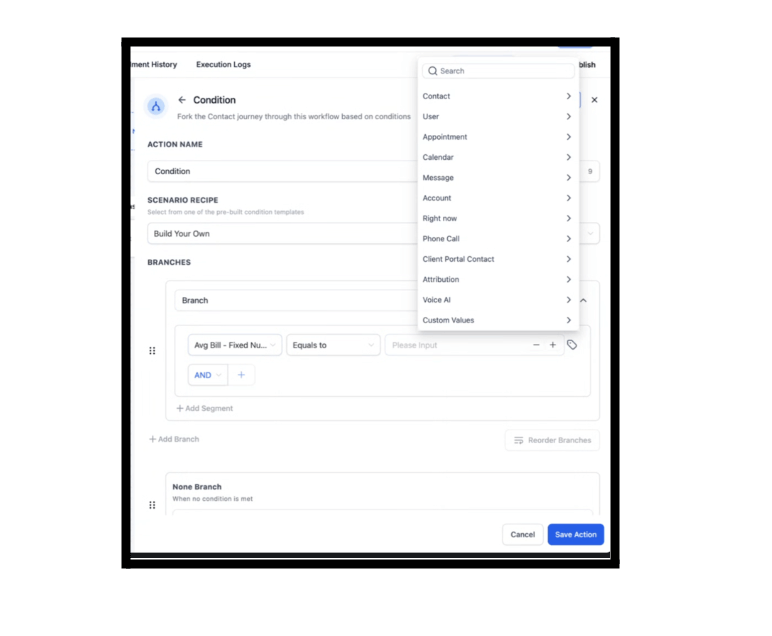
The Dynamic Custom Value Picker now supports numeric fields, date fields, dropdowns, and monetary values. You can use these inside If/Else conditions and Update Contact Field actions, which means you can branch or update records dynamically without hard-coding values.
Voice AI now supports 11 languages: German, Spanish, French (Canada), French (France), Dutch, Portuguese (Portugal), Portuguese (Brazil), Italian, Swedish, Finnish, and Norwegian. Once selected, the entire interface updates instantly.
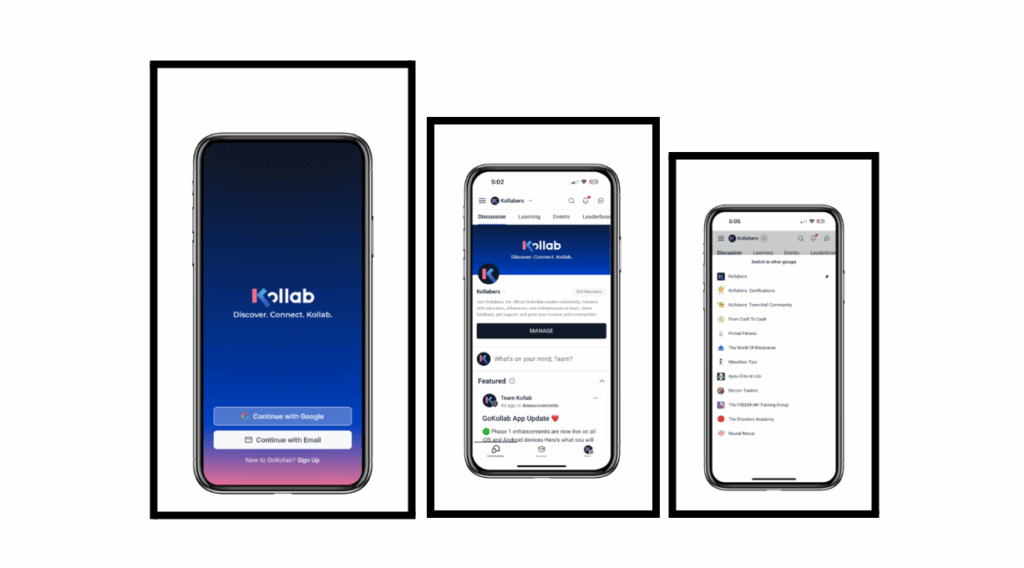
The GoKollab app has been redesigned for smoother navigation. You’ll now see all your joined communities and courses in one view, with a bottom navigation bar for quick access. The group switcher is faster and cleaner, and the overall look and feel has been modernized.
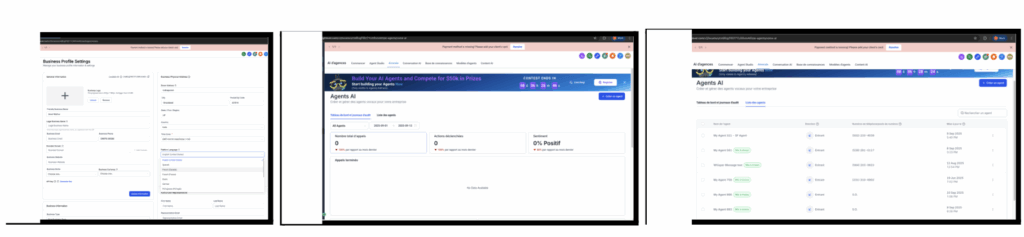
FG Funnels has expanded its phone number catalog to match Twilio’s coverage. When you go to Buy Numbers and select a country and type, you’ll now see accurate availability. If numbers aren’t available, the system reflects true provider inventory rather than a catalog error.
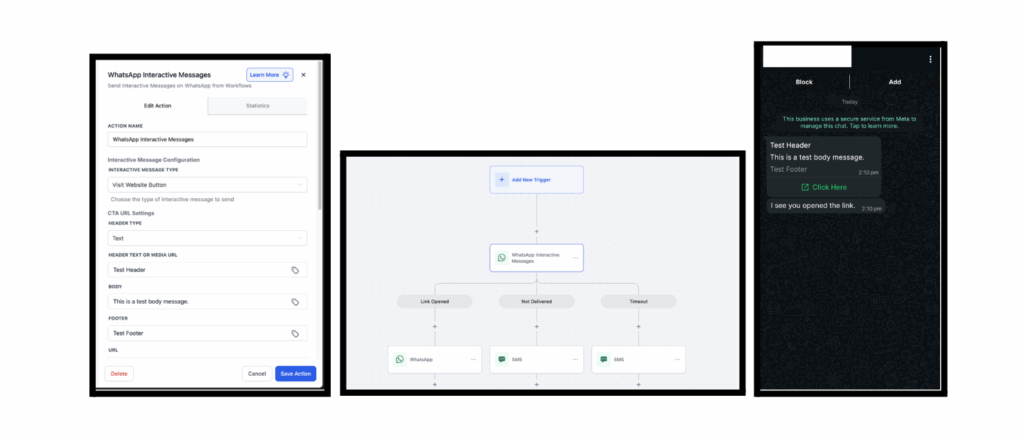
WhatsApp messages can now include interactive CTA buttons like “Visit Website.” These buttons can trigger follow-up steps inside workflows, including branching if a link is opened, not delivered, or times out. This makes WhatsApp campaigns more engaging and trackable.
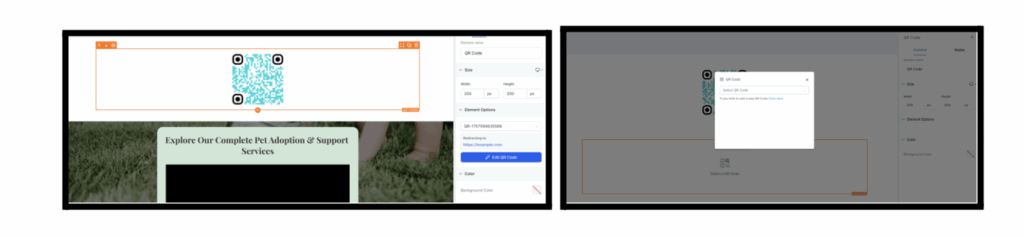
You can now drag a QR Code element onto your page and link it to any URL. Create new QR codes or select existing ones directly inside the builder. If a code is deleted, the system will prompt you to choose another.
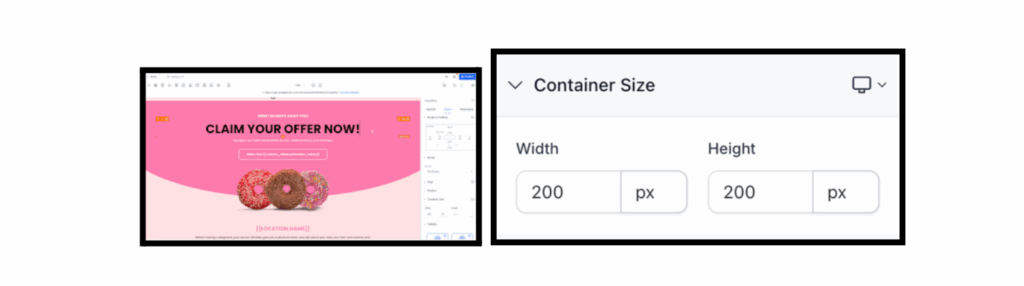
Page Builder elements now support custom height and width controls with units like px, %, em, rem, vh, vw, or auto. You can also set different values for desktop and mobile. This means tighter control over responsive design without needing CSS.
• Go to Page Builder → Any Element → Right Sidebar → Styles Tab → Container Size section
• Apply height and width styling directly to the selected element
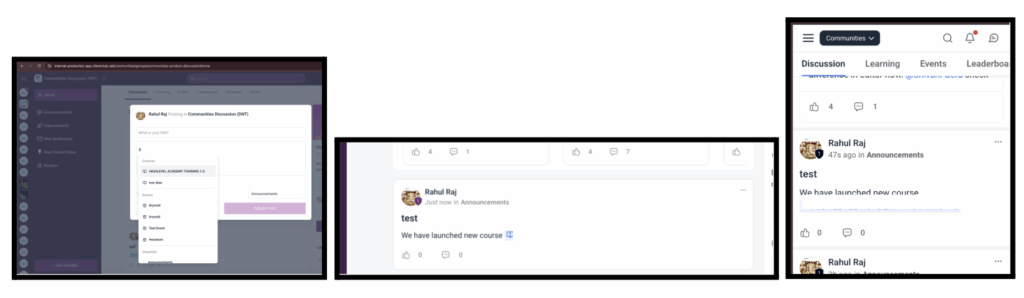
Inside communities, you can now tag courses in posts and comments by typing # and selecting from the list. Tagged courses display with icons and link directly to the course page, making it easier to reference learning material in discussions.
How to Use:
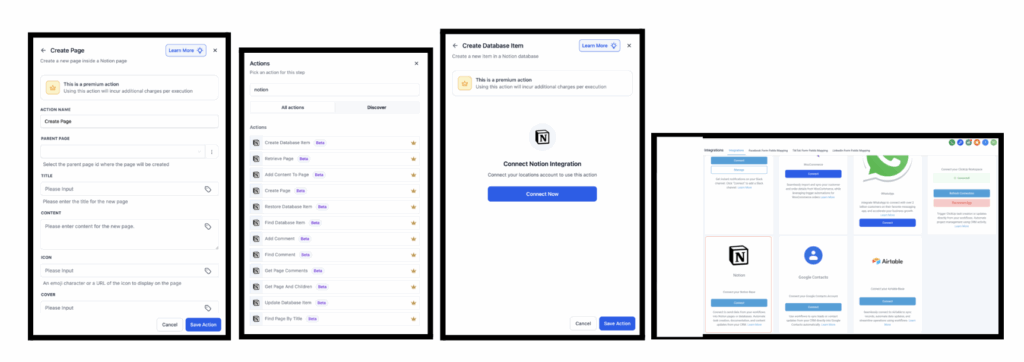
FG Funnels now integrates directly with Notion. You can trigger workflows when database items or pages are updated, and you can take actions like creating pages, updating records, or adding comments.
• Triggers (Notion → FG Funnels):
• New Database Item – Fires when a new entry is added to a Notion database
• Updated Database Item – Fires when an existing item is modified
• Updated Page – Fires when a Notion page is updated
• Actions (FG Funnels → Notion):
• Archive Database Item
• Create Database Item
• Add Content to Page
• Update Database Item
• Retrieve a Page
• Retrieve Block Children
• Find Database Item
• Get Page and Children
• Find or Create Database Item
• Add Comment
• Create Page
• Restore Database Item
• Retrieve Database
• Get Page Comments
• Find Page (By Title)
• Find or Create Comment
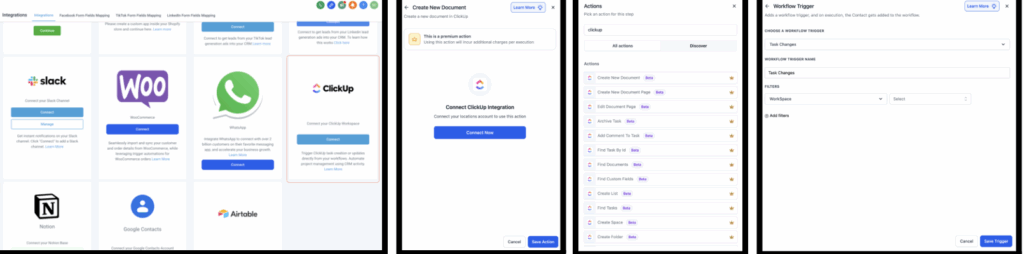
ClickUp is now fully connected to Workflows. You can trigger automations from task creation, updates, comments, or attachments, and you can take actions like creating tasks, posting comments, or updating ClickUp Docs. This keeps your CRM and project management aligned without manual work.
Triggers (ClickUp → FG Funnels):
Actions (FG Funnels → ClickUp):
Find Functions – Look up tasks, documents, custom fields, or users
How to Connect:
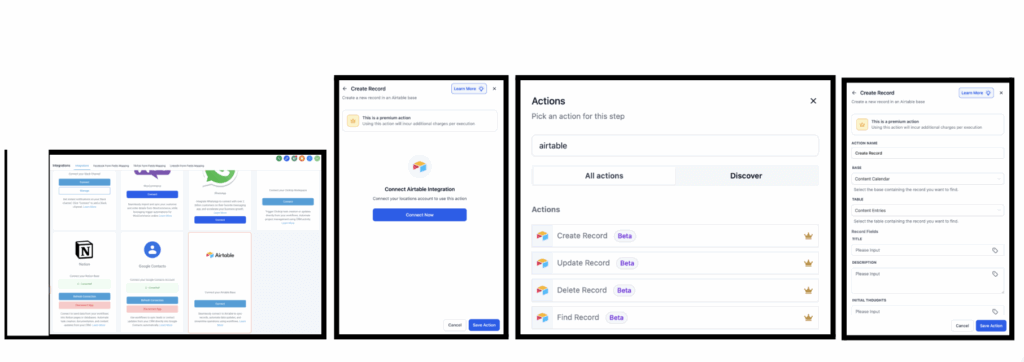
FG Funnels now supports Airtable triggers and actions. You can automate based on new or updated records, and take actions like creating, updating, finding, or deleting records. Perfect for syncing projects, leads, and content across systems.
Triggers (Airtable → FG Funnels):
• New Record – Fires when a new record is added to a table
• Updated Record – Fires when an existing record is updated
Actions (FG Funnels → Airtable):
• Create Record – Add a new record to a table
• Update Record – Update fields in an existing record
• Find Record – Search for a record by ID, email, or criteria
• Delete Record – Remove an existing record
How to Connect:
Alternatively, go to Settings → Integrations → Airtable and connect your workspace.
Notes & Details:
• Triggers poll Airtable every 5 minutes to check for new or updated records
• Works with free Airtable accounts (paid plans required for advanced Airtable features like larger bases or complex workspaces)
FGF Notifications








